Event playbooks
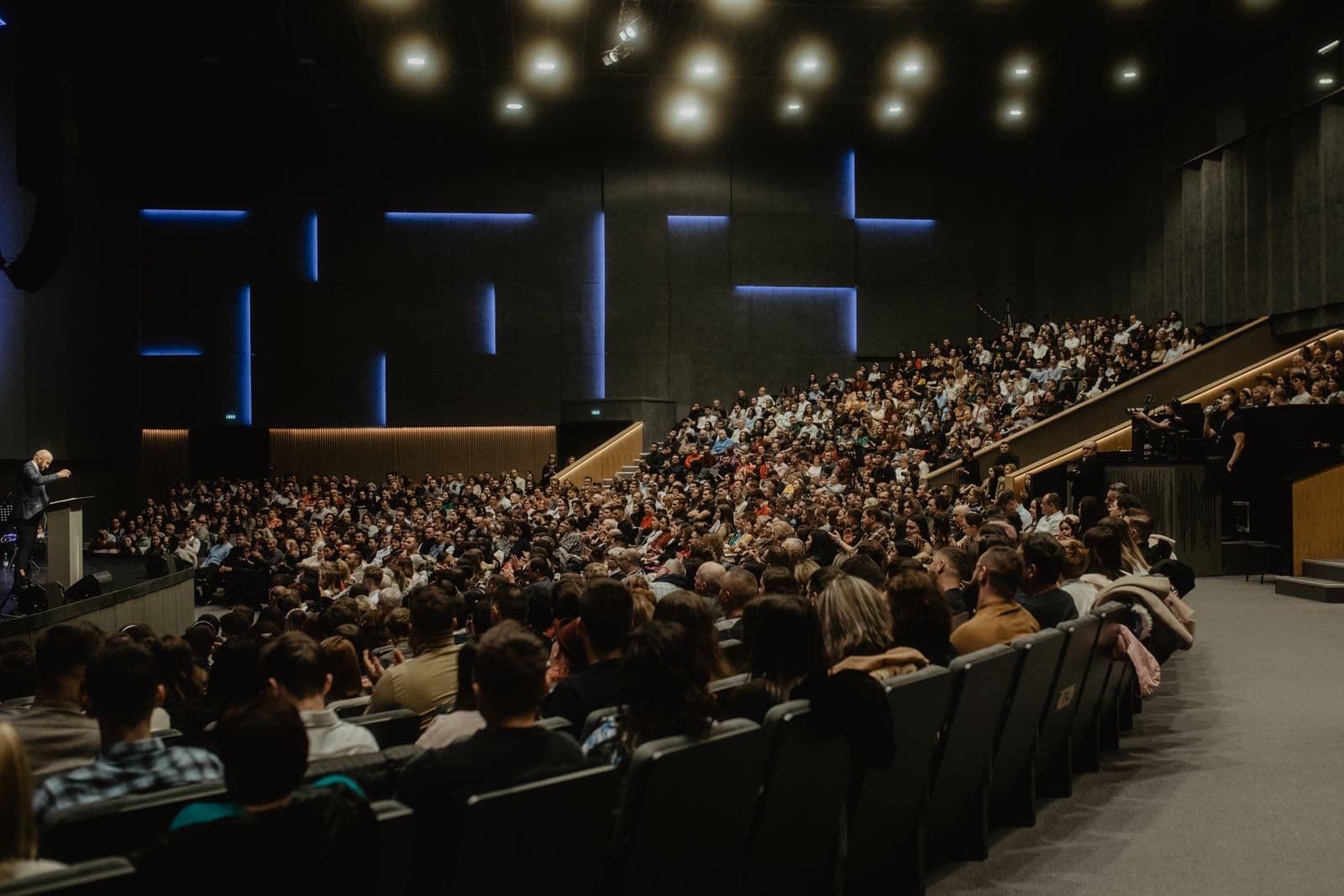
Conference photography shot list and delivery workflow
Use a practical shot list to cover speakers, rooms, sponsors, audience moments, urgent selects, and final attendee delivery.
Choose a topic or start with the latest guide. Each article gives you a checklist, comparison, or workflow you can use for a real event.
Use a practical shot list to cover speakers, rooms, sponsors, audience moments, urgent selects, and final attendee delivery.

Plan guest notices, gallery access, removal requests, and the separate consent step needed for face search.

See when Google Drive is enough for internal file exchange and when guests need a dedicated event gallery.
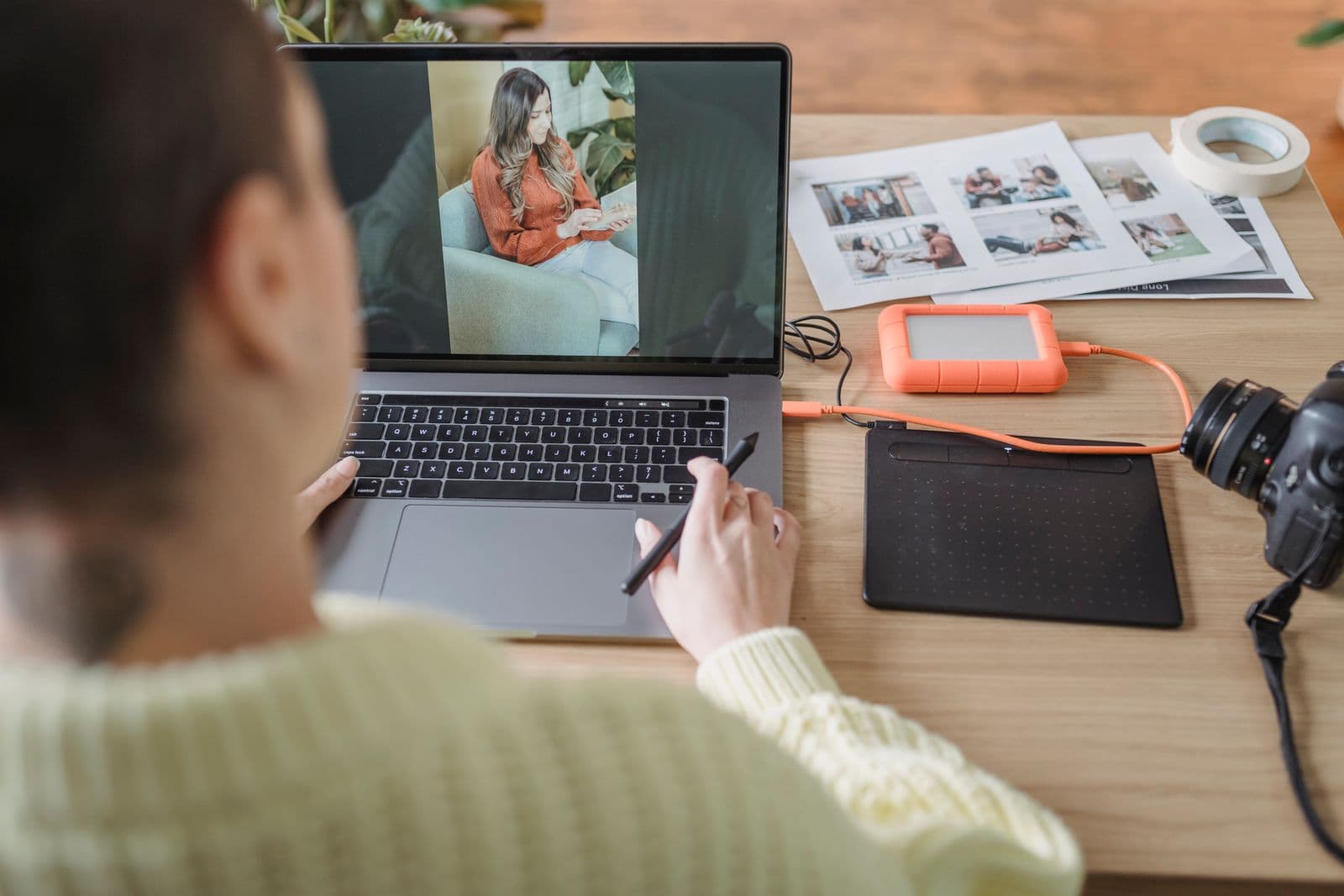
Give working files, guest galleries, backups, and support records their own end date, then record what was deleted.

Compare family-event photographers by how they handle groups, candid moments, timing, and a gallery every generation can use.
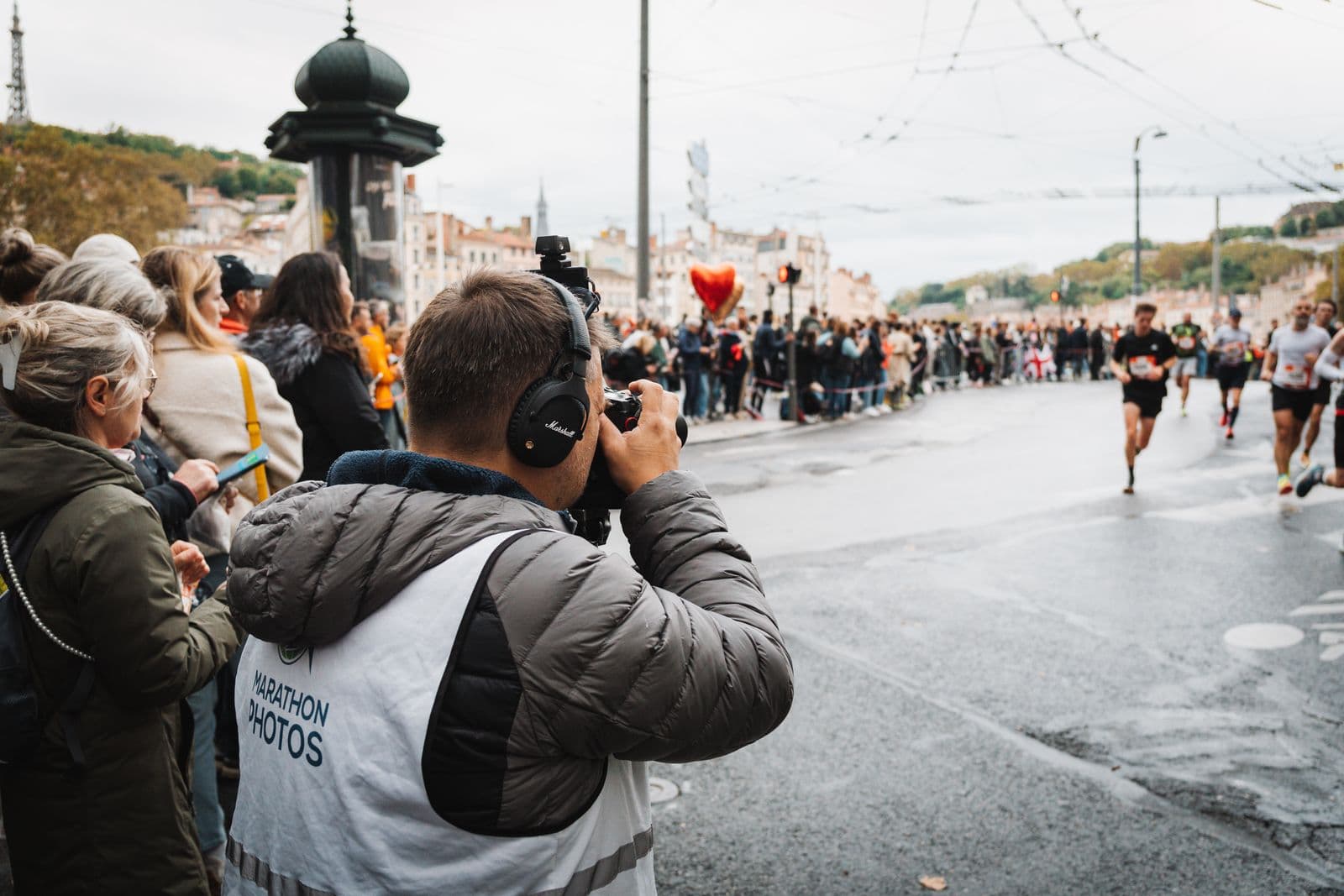
Compare race photographers by course coverage, safety, participant identification, image volume, and the delivery plan.
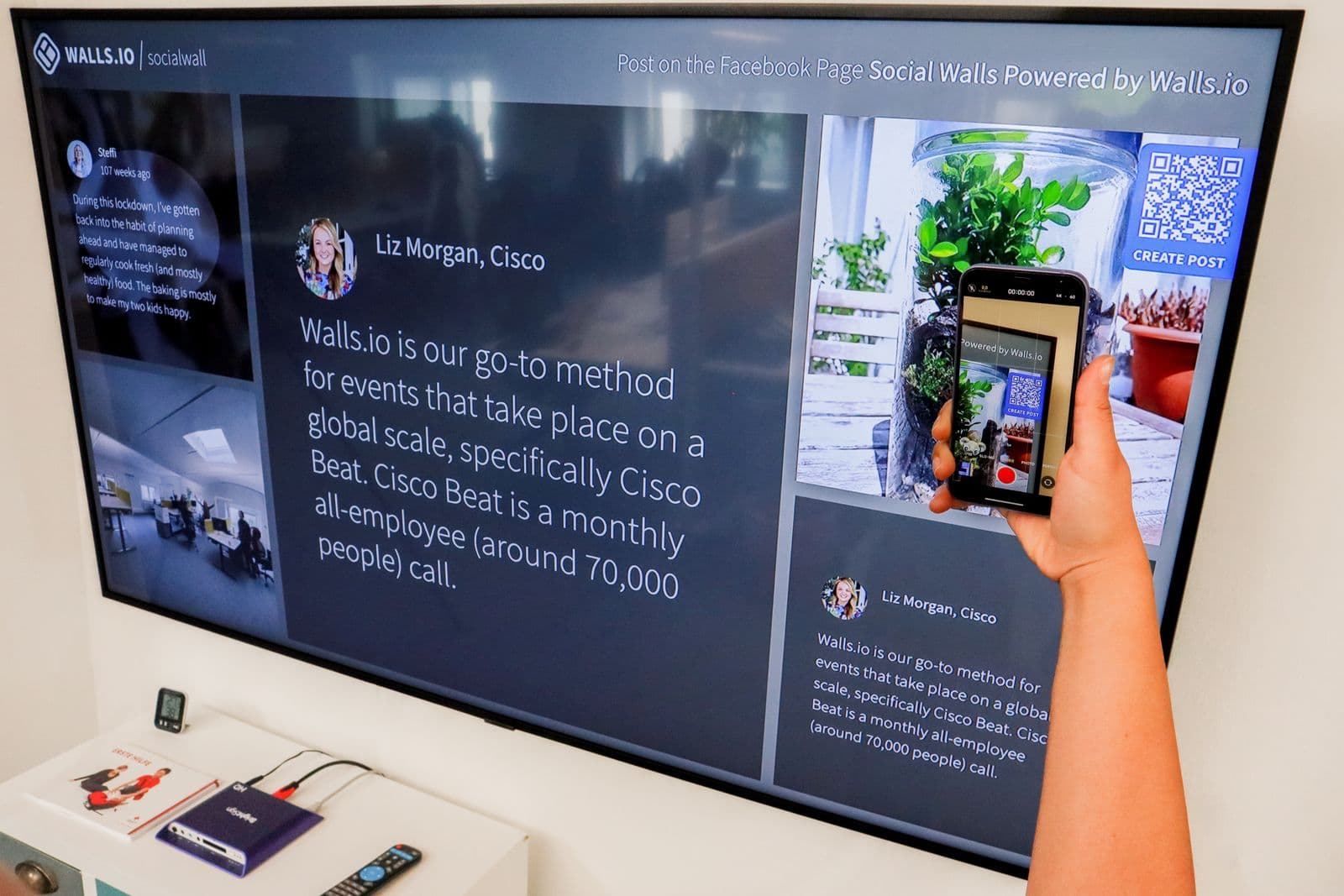
Build and test a QR code that opens the correct event gallery, explains access, and still works after the venue clears.

Set up an event gallery guests can browse on a phone, with clear access, download, support, and closing rules.
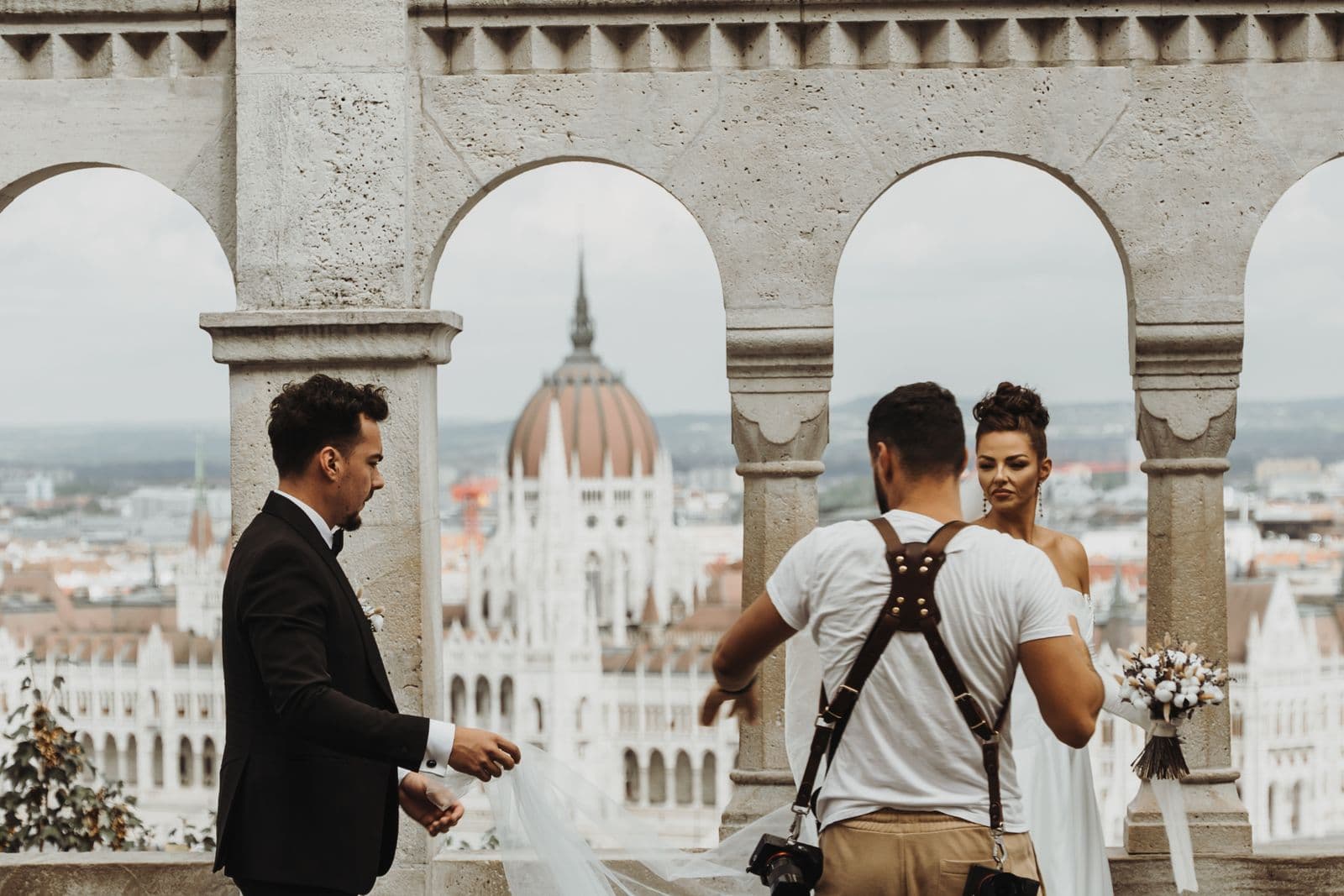
Compare complete wedding galleries, backup plans, delivery terms, guest access, and the working relationship before you book.
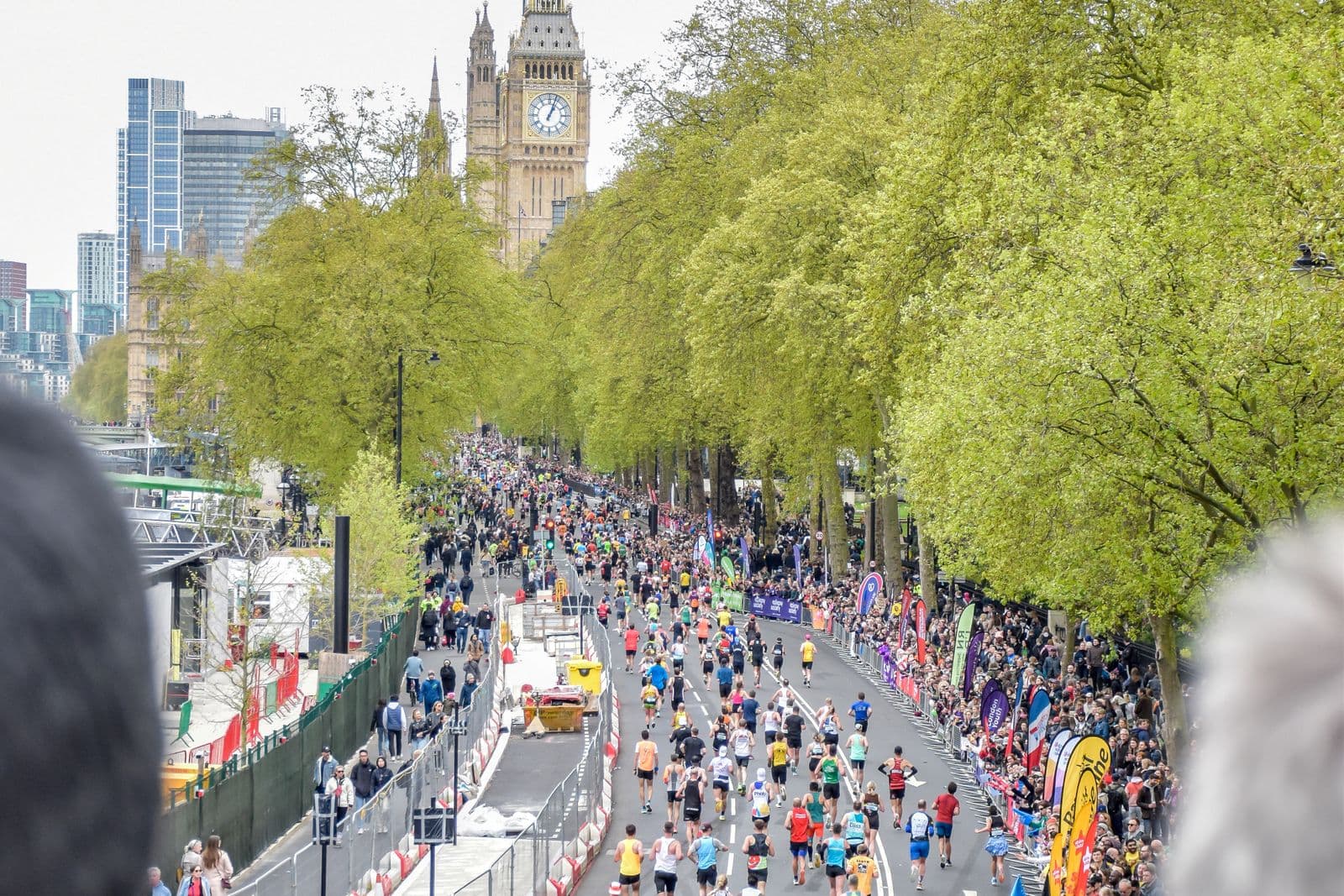
Find race photos without a visible bib by combining timing, wave, clothing, course position, nearby runners, and selfie search.
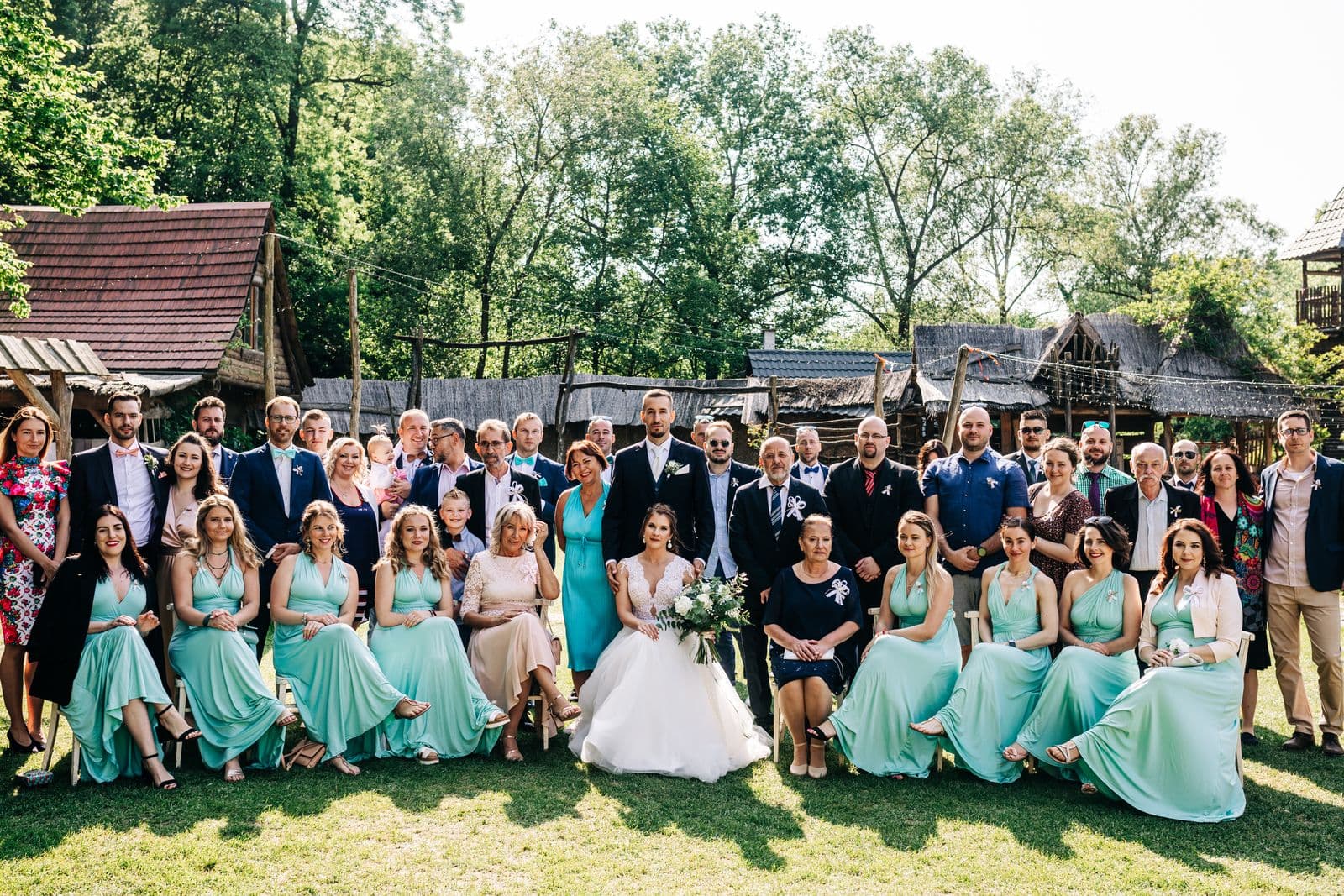
Work through a large wedding gallery using the day's timeline, group moments, filters, clothing, and event selfie search.
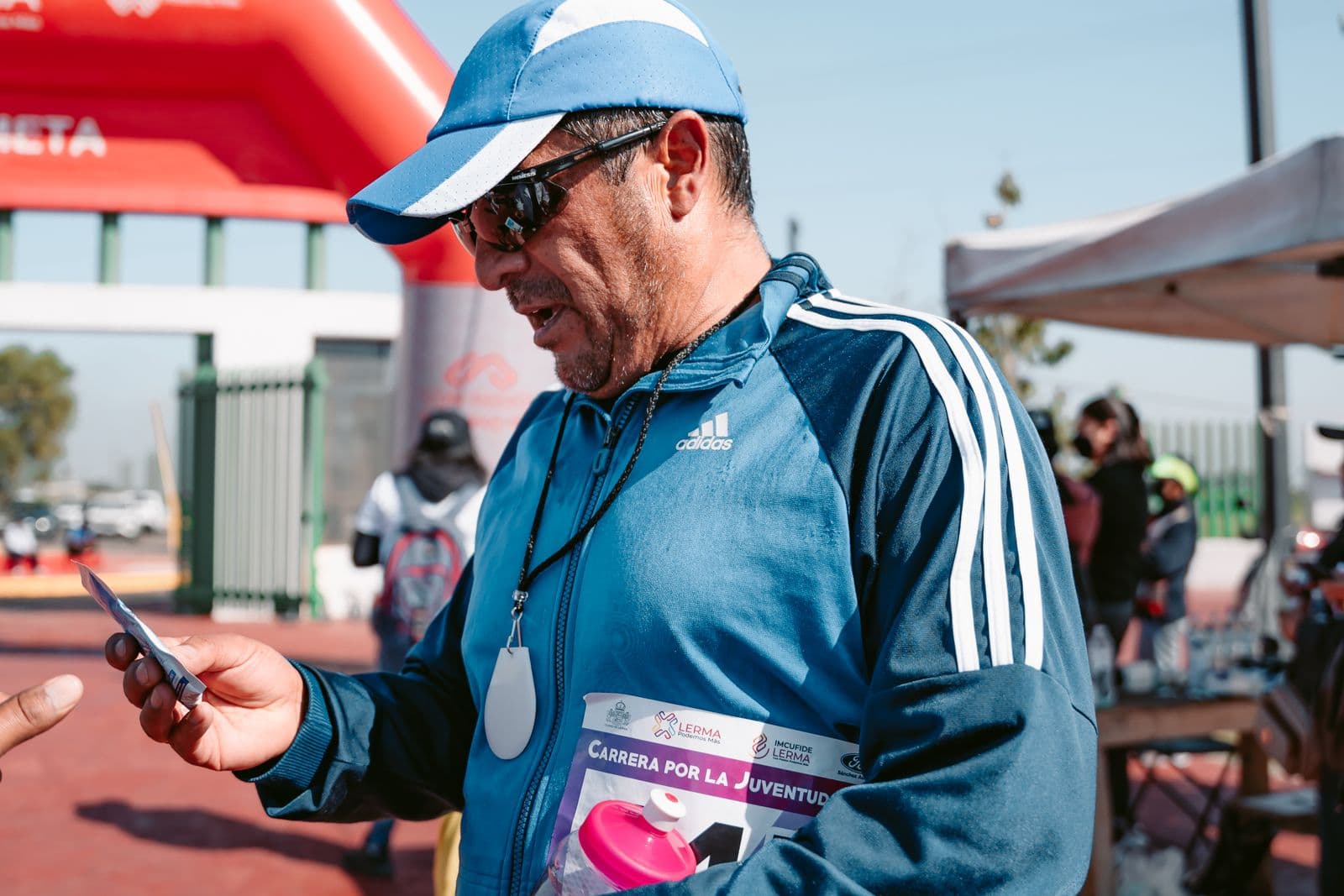
Find your race photos with the official gallery, bib number, timing, course location, clothing, and event selfie search.
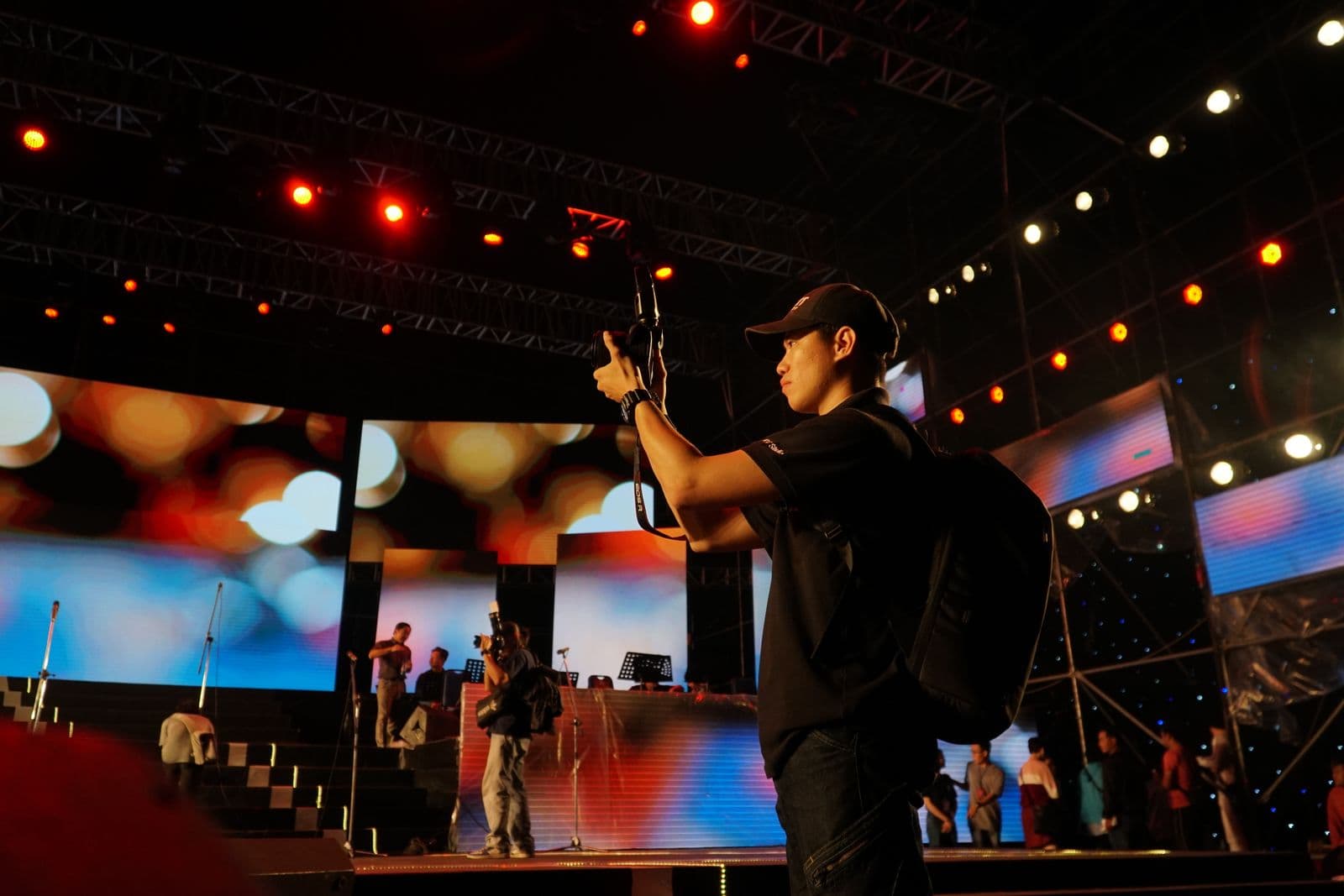
Compare conference photographers against your agenda, room constraints, delivery deadlines, and the images each stakeholder actually needs.

Build a reliable photo archive by defining ingest, naming, culling, duplicate handling, delivery, search, and handoff before files pile up.
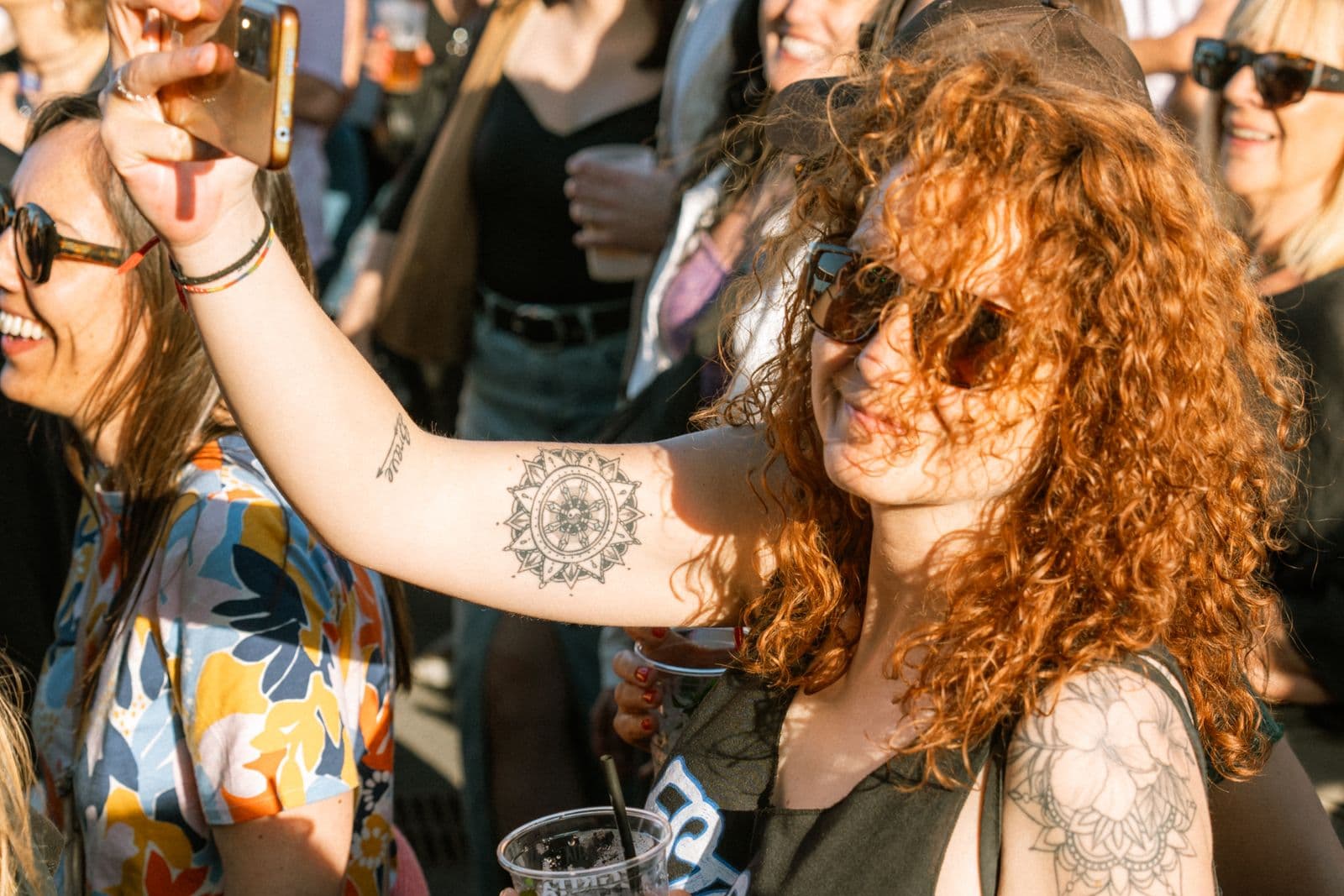
Search one event gallery with a clear selfie, review likely matches carefully, and use a measured retry if results are incomplete.
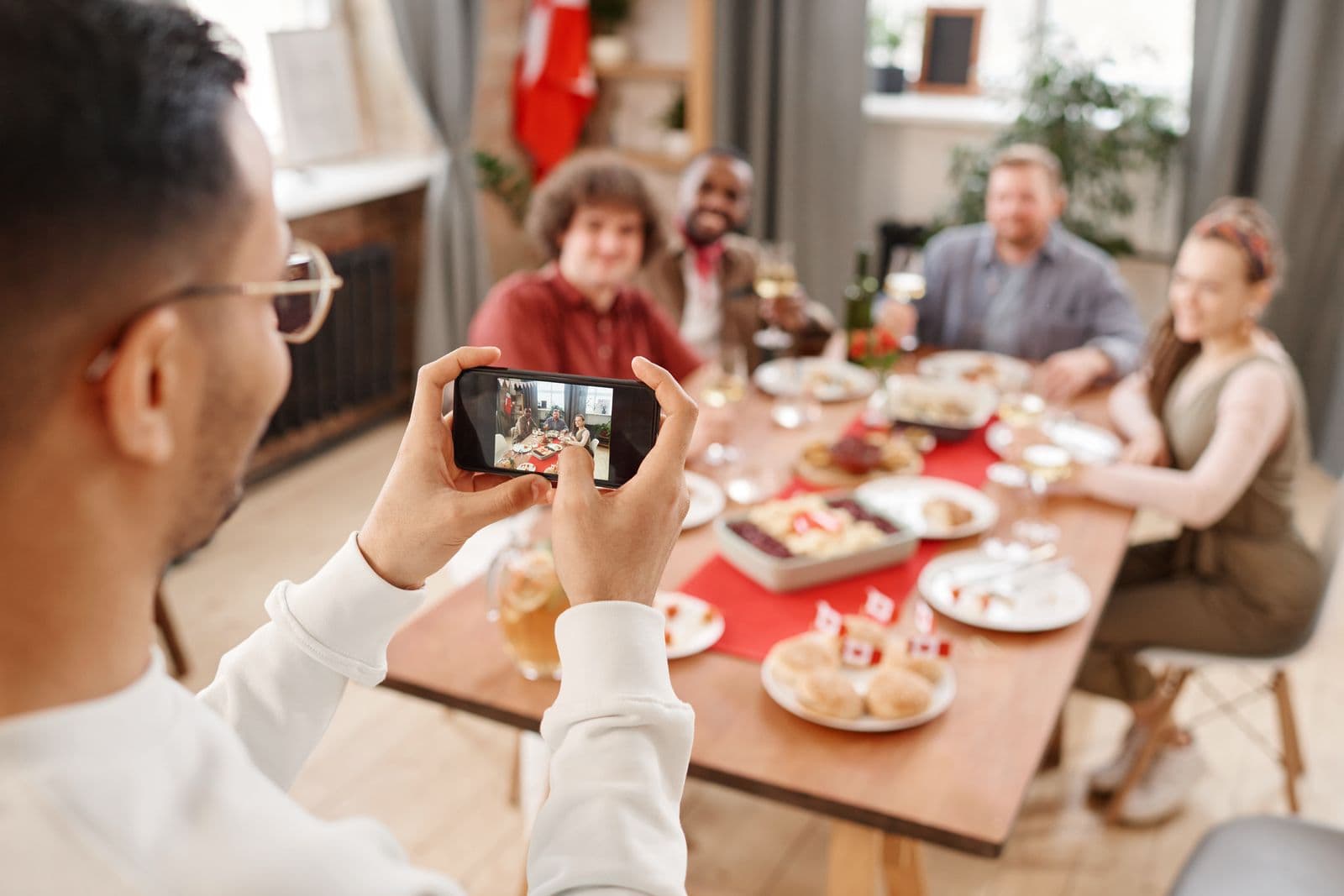
Choose one guest photo-sharing route based on gallery size, access, downloads, mobile use, support, and closing date.
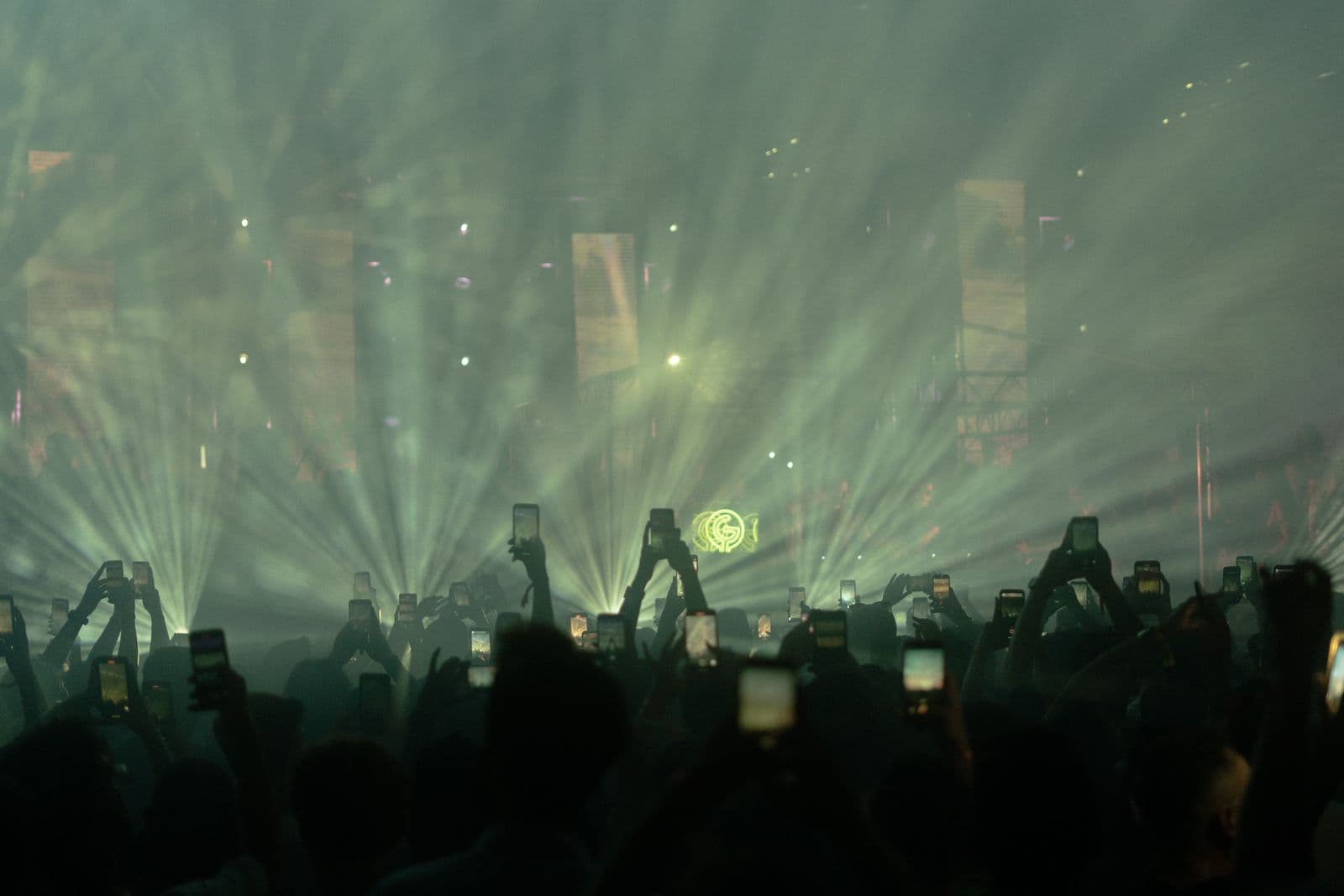
Plan how festival photos move from each camera to approved media, sponsor folders, public galleries, and guest access.

Share graduation photos with families through one controlled gallery with clear access, downloads, support, and closing dates.
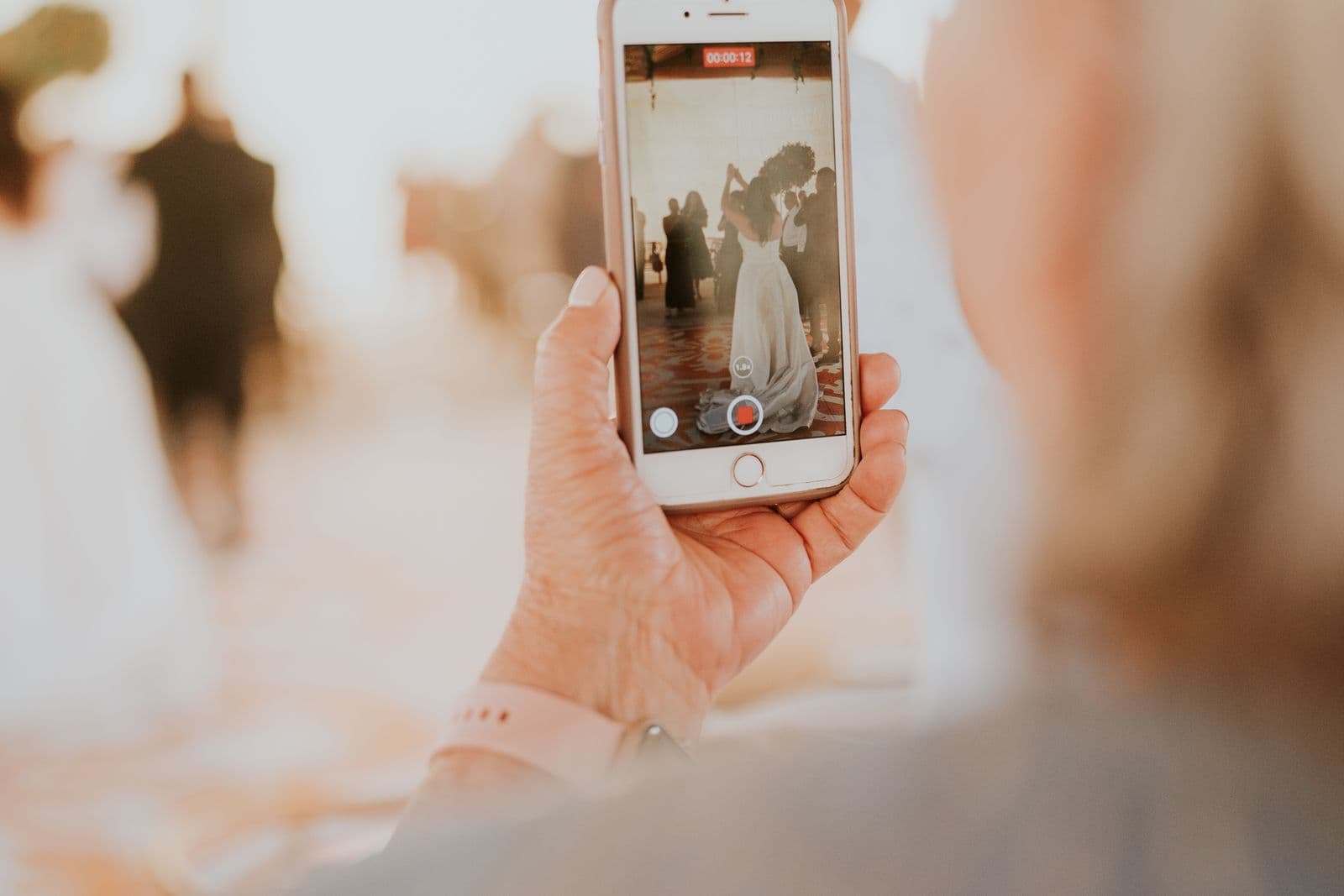
Share wedding photos in a browser gallery with one guest link, clear access and downloads, and no app to install.
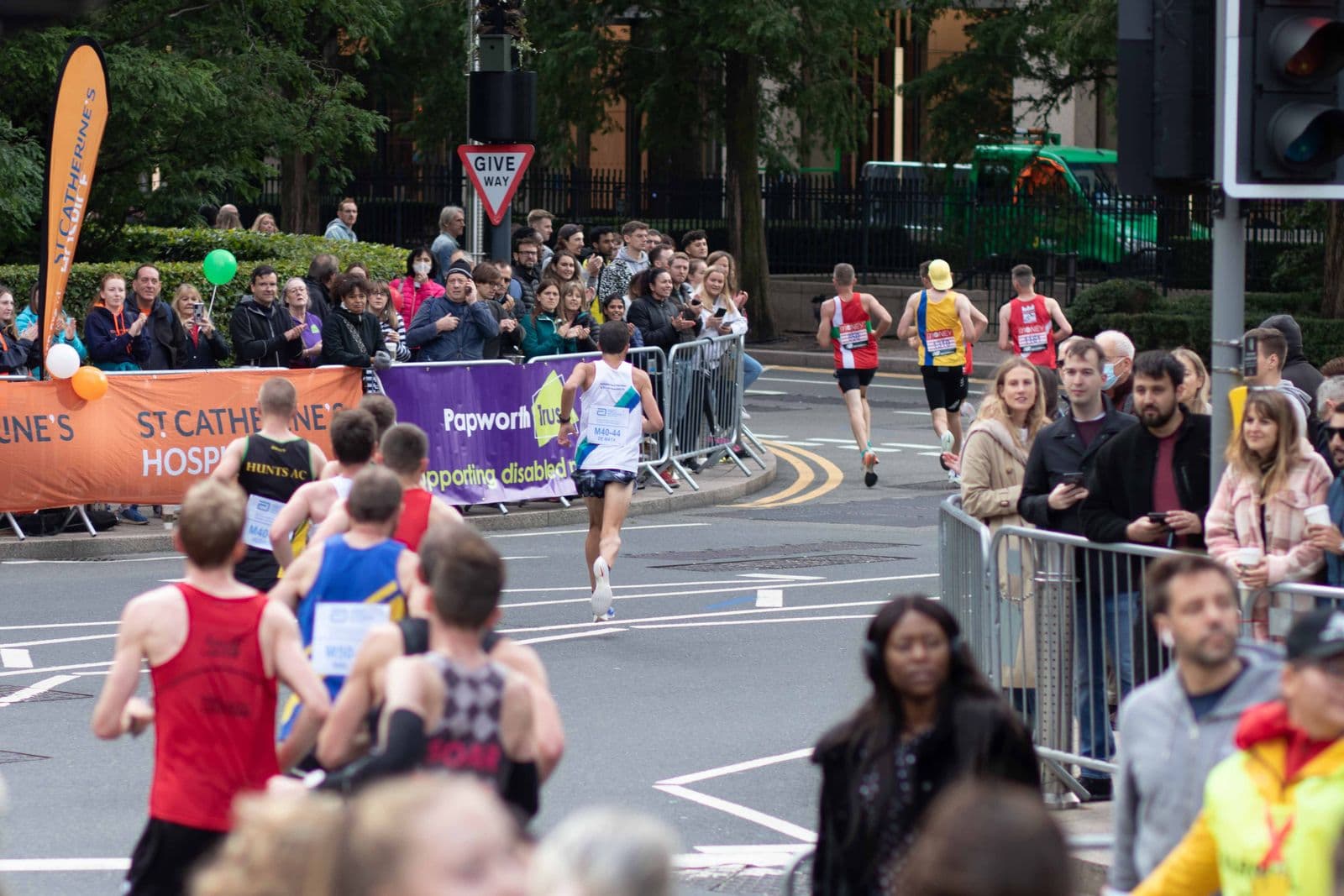
Use this organizer checklist to plan safe camera positions, file transfer, participant search, sponsor delivery, and post-race support.
Choose a public, unlisted, or access-controlled gallery based on who needs the photographs and how people will receive the link.
Check the edit, backups, gallery settings, guest access, download rules, message, and closing date before sending the wedding link.
Use this event photography brief to align the agenda, priority people, access limits, delivery deadlines, usage, and gallery handoff.
Fix an empty face-search result by checking the event, processing status, selfie quality, and difficult angles before contacting support.